

Selecting the correct YouTube video dimensions is essential for ensuring your content looks professional on every device. When you upload a file, the platform automatically processes it to ensure compatibility, but beginning with the right settings prevents unwanted black bars and blurriness.
By mastering these technical standards, you ensure your viewers experience your videos exactly as intended, whether they are watching on a 4K television or a mobile smartphone. Understanding these specifications early in your production workflow saves significant time during the export process.
The Standard YouTube Resolution
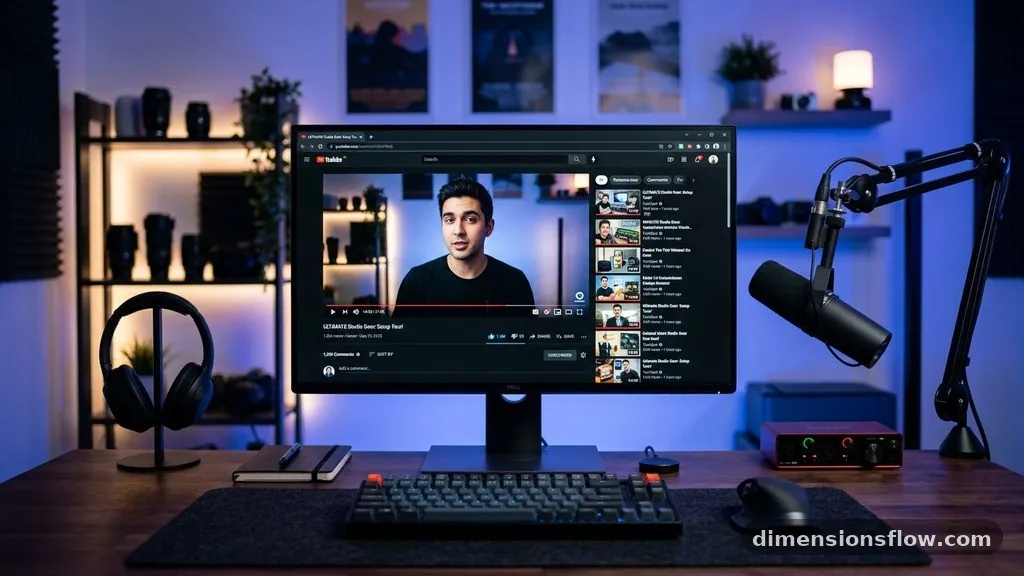
The industry standard for high-definition content on YouTube is 1920×1080 pixels. This resolution corresponds to a 16:9 aspect ratio, which is the native format for the platform’s video player. If you upload a video in this format, it will fill the screen perfectly on most desktop browsers and wide-screen monitors.
Common Resolution Settings
While 1080p is the baseline for high quality, YouTube supports a wide range of resolutions to accommodate different connection speeds and hardware. Using higher resolutions like 4K can make your footage look sharper, especially on high-density displays.
| Resolution | Dimensions (Pixels) | Aspect Ratio |
|---|---|---|
| 4K (2160p) | 3840 x 2160 | 16:9 |
| 1440p (QHD) | 2560 x 1440 | 16:9 |
| 1080p (HD) | 1920 x 1080 | 16:9 |
| 720p (HD) | 1280 x 720 | 16:9 |
Handling Vertical and Square Formats

YouTube has evolved to support non-traditional orientations, particularly for Shorts and mobile-first content. If you are creating vertical videos, the platform expects a 9:16 aspect ratio. This is the inverse of the standard landscape orientation and is ideal for full-screen mobile viewing.
Best Practices for Mobile Formats
When you deviate from the standard 16:9 ratio, you must be careful about how the player handles your footage. If you upload a square or vertical video into a standard player, YouTube will add “pillarboxing” or “letterboxing” to fill the empty space.
* Shorts: Use 1080×1920 pixels for the best clarity on phones.
* Square Content: Aim for 1080×1080 pixels to keep the image centered.
* Safe Zones: Keep text and logos away from the very edges to avoid cropping.
Exporting for Optimal Quality
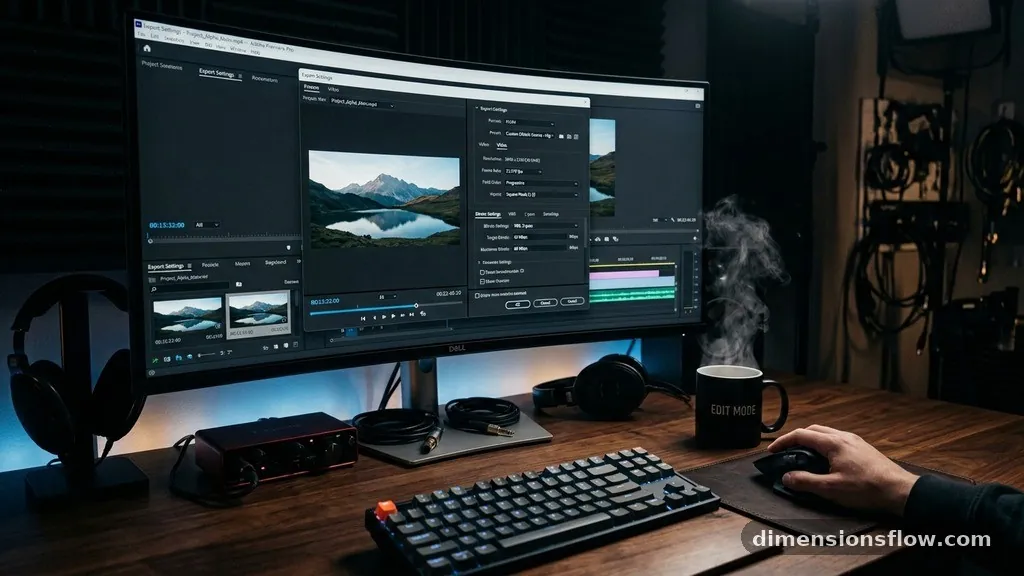
Your export settings during the rendering phase are just as important as your initial YouTube video dimensions. Most video editing software, such as Adobe Premiere Pro or DaVinci Resolve, provides specific presets for the platform. You should aim for a high bitrate to ensure the compression process does not degrade your visual fidelity.
For standard 1080p content at 30 frames per second, a target bitrate of 8 Mbps is generally sufficient. If you are uploading 4K footage, increase this to roughly 35 to 45 Mbps to maintain detail. Always export in H.264 or H.265 (HEVC) codec to ensure the best balance between file size and image quality.
Choosing the right YouTube video dimensions is the foundation of a polished viewer experience. By sticking to the 16:9 standard for landscape videos or 9:16 for vertical mobile content, you eliminate the distraction of black bars and presentation errors. Always verify your sequence settings before you begin editing to avoid resizing issues later.
If you find your footage looks soft after uploading, double-check your export bitrate and resolution settings against the official specifications. Consistent technical standards help your channel maintain a professional appearance that keeps your audience coming back for more. Experiment with these formats to see which style best suits your specific content goals.